
Dinewise Mobile — Ordering and Kitchen App
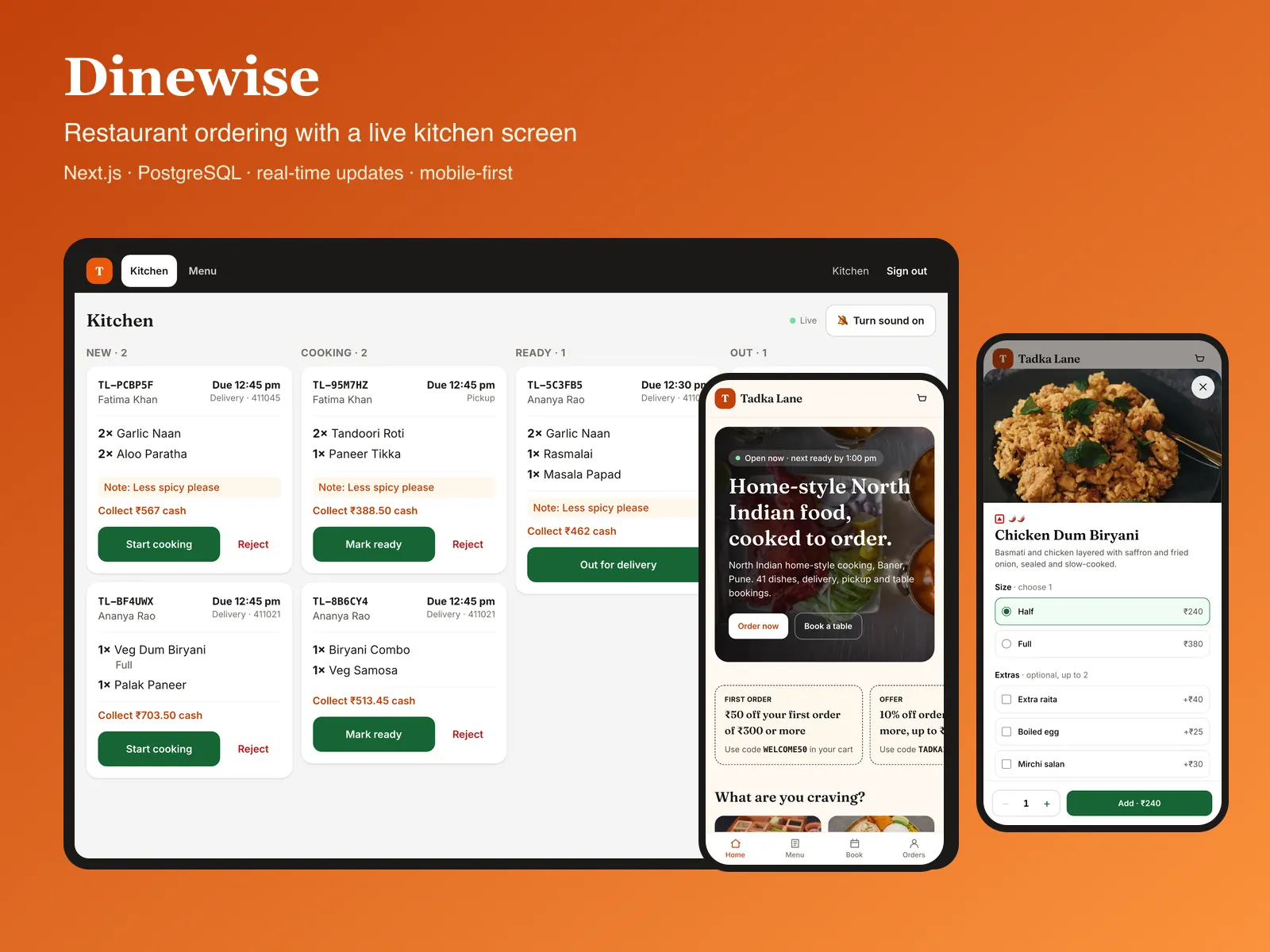
The Dinewise app in Flutter, with two modes in one install: customers order and follow their food live, and kitchen staff run the order board. It talks only to the Dinewise web app’s public JSON API.
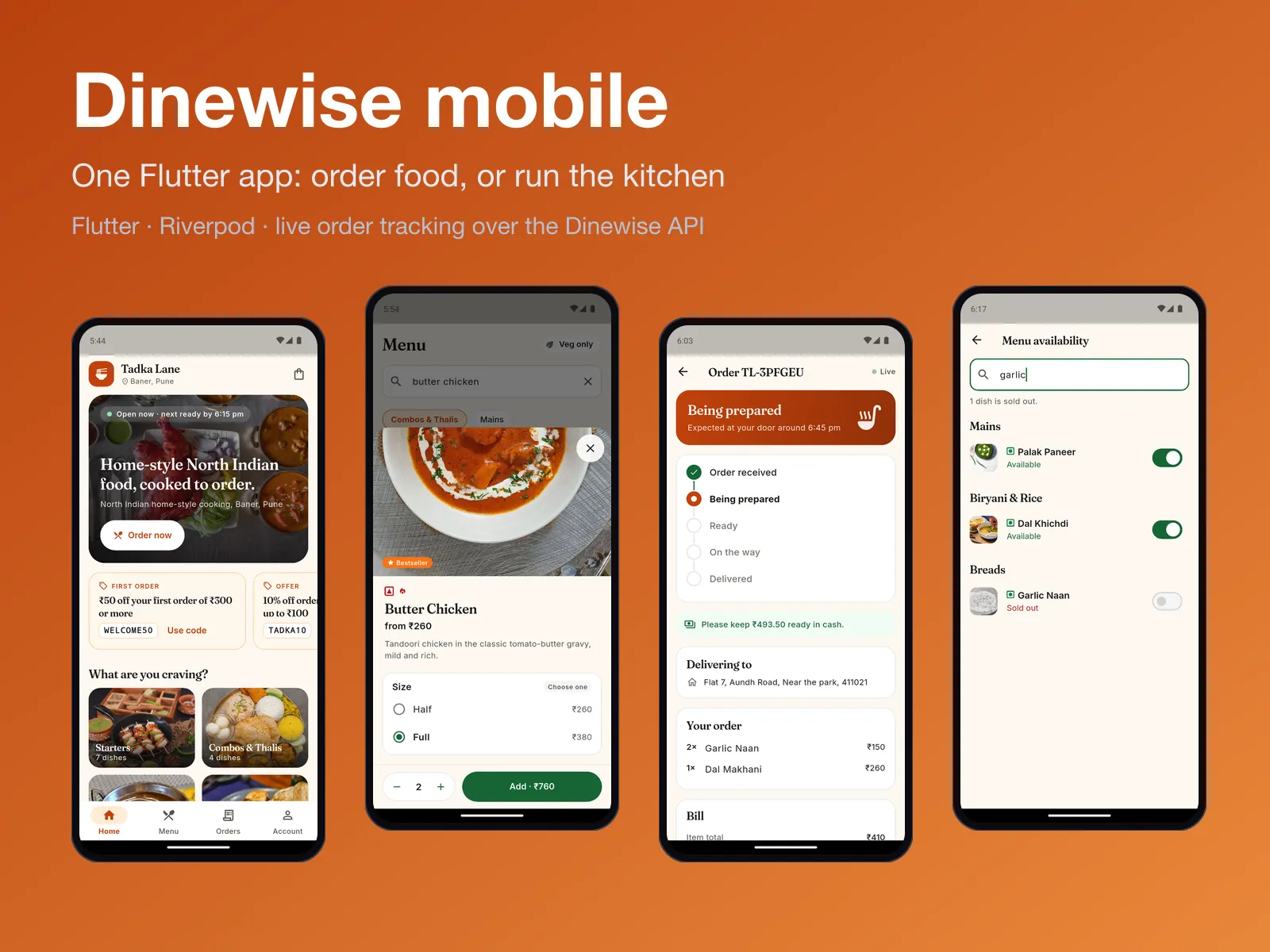
See it running
Android
Pixel 7 emulator, against the local stack and the public demo. The app is written for Android and iOS; only the Android build has been verified so far.
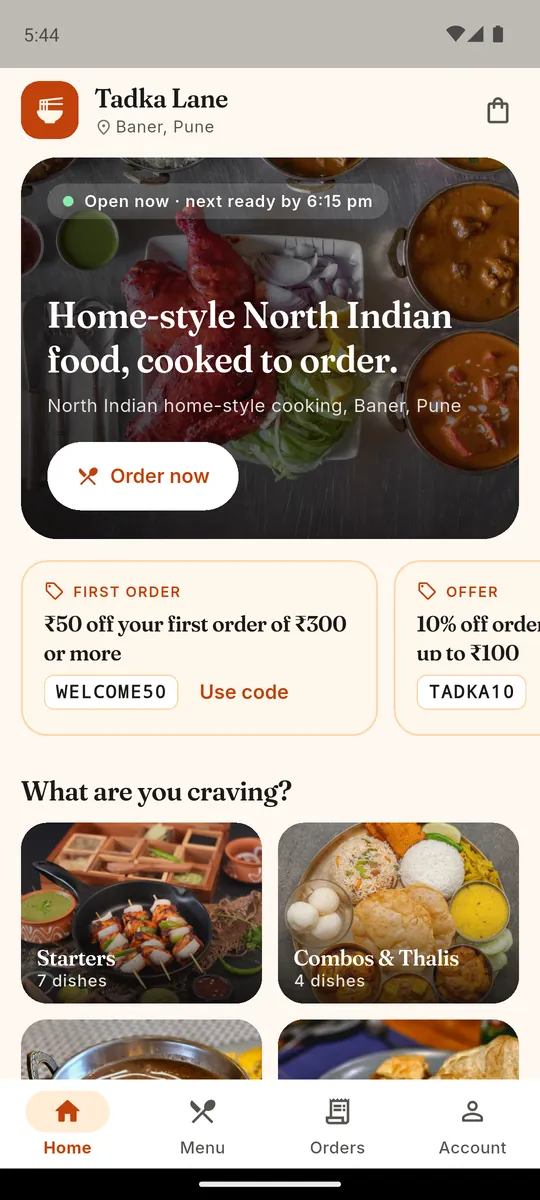
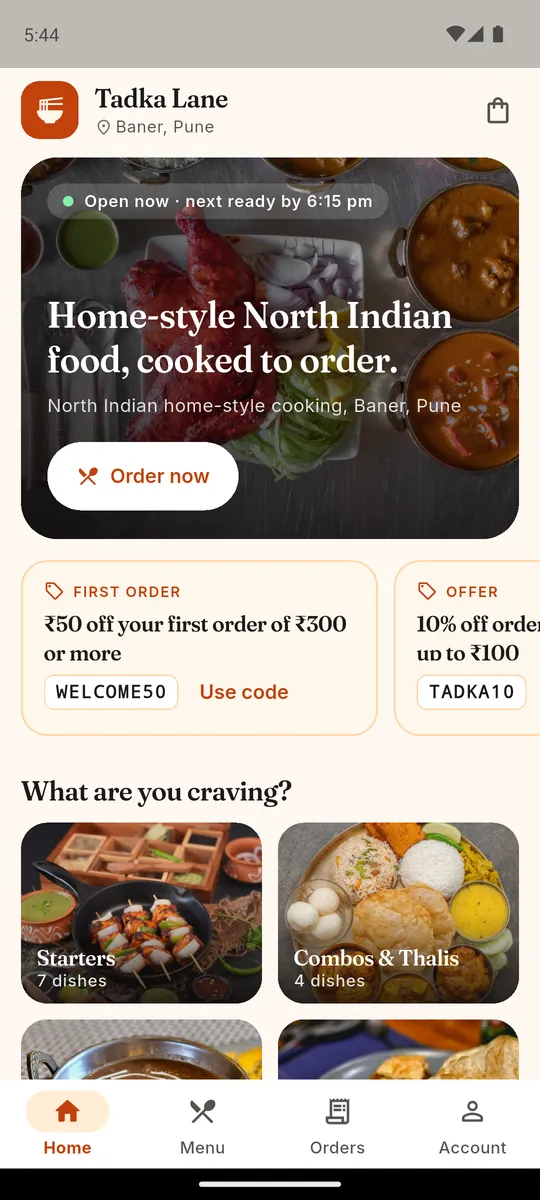
Home 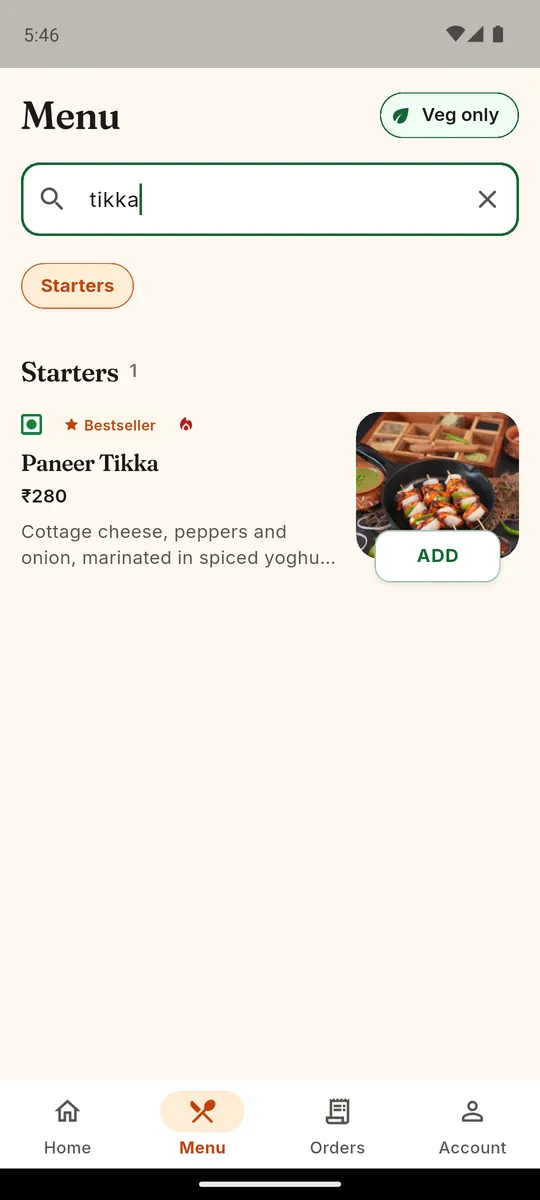
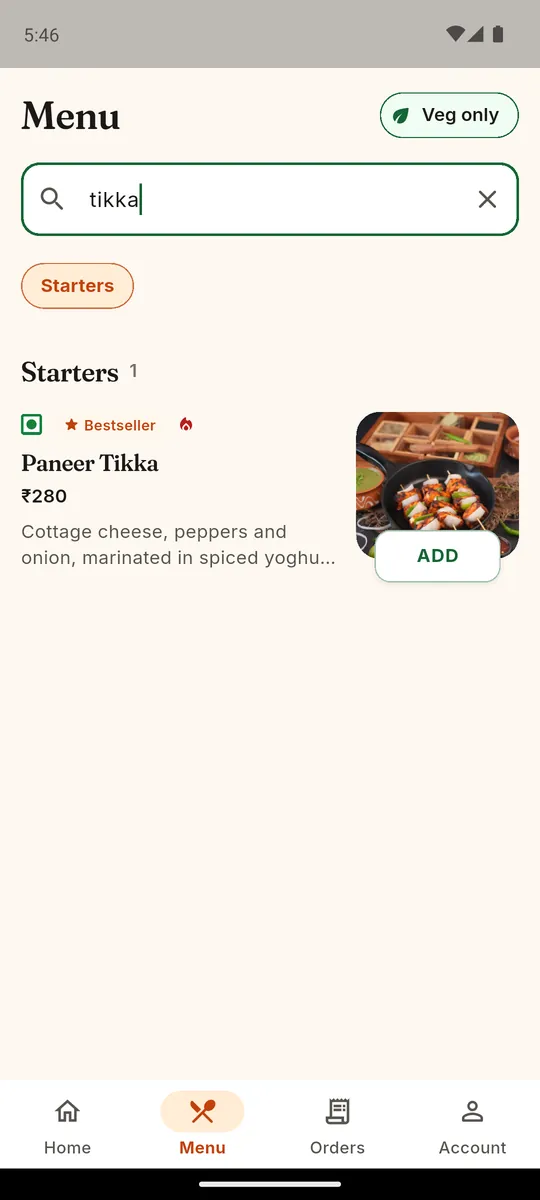
Search with veg only 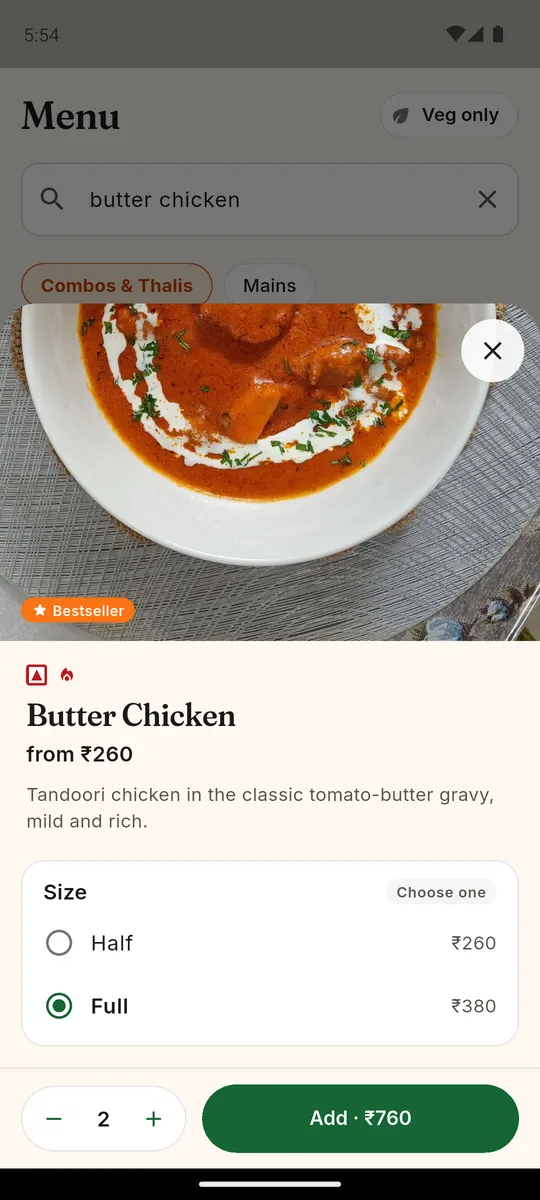
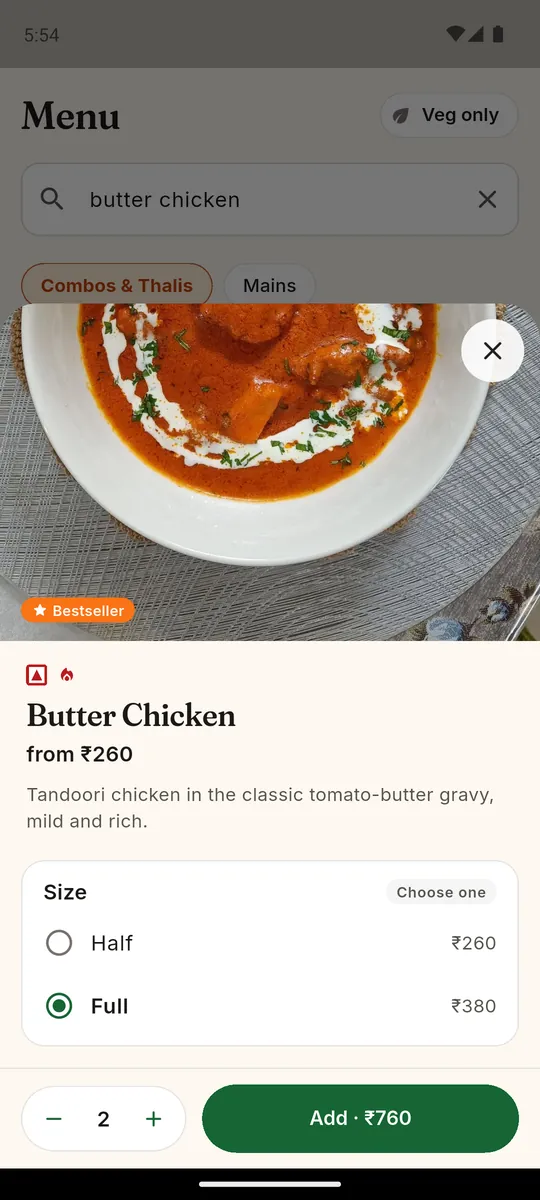
Dish sheet 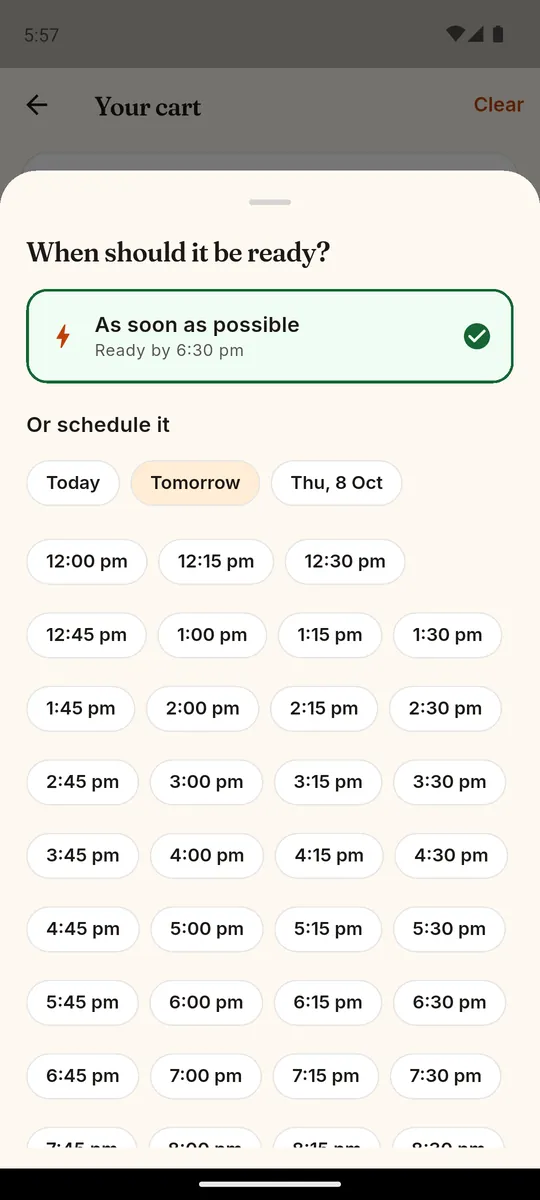
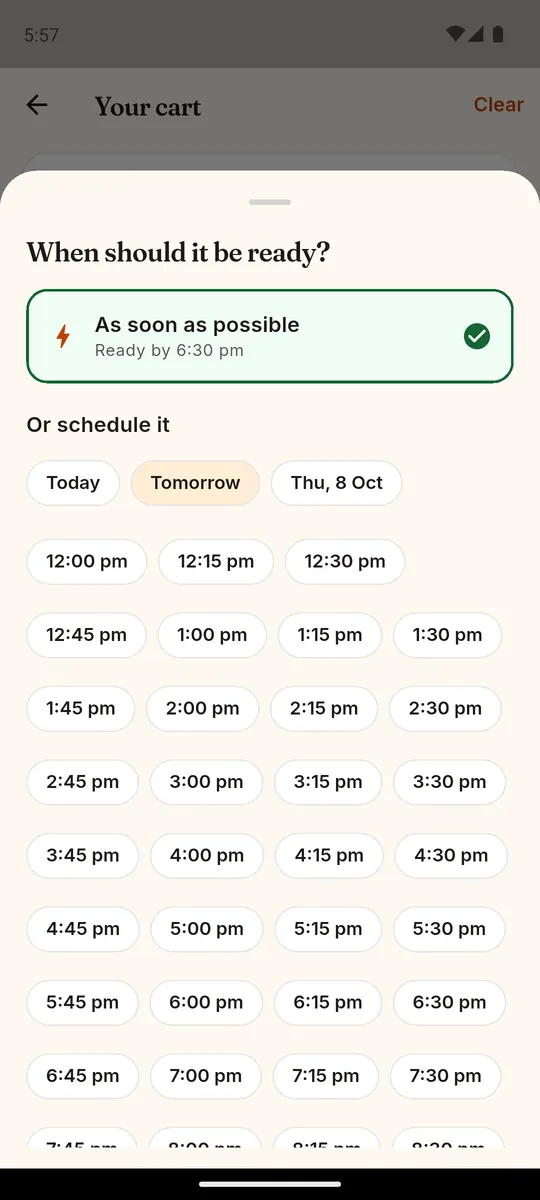
Order now or pick a slot 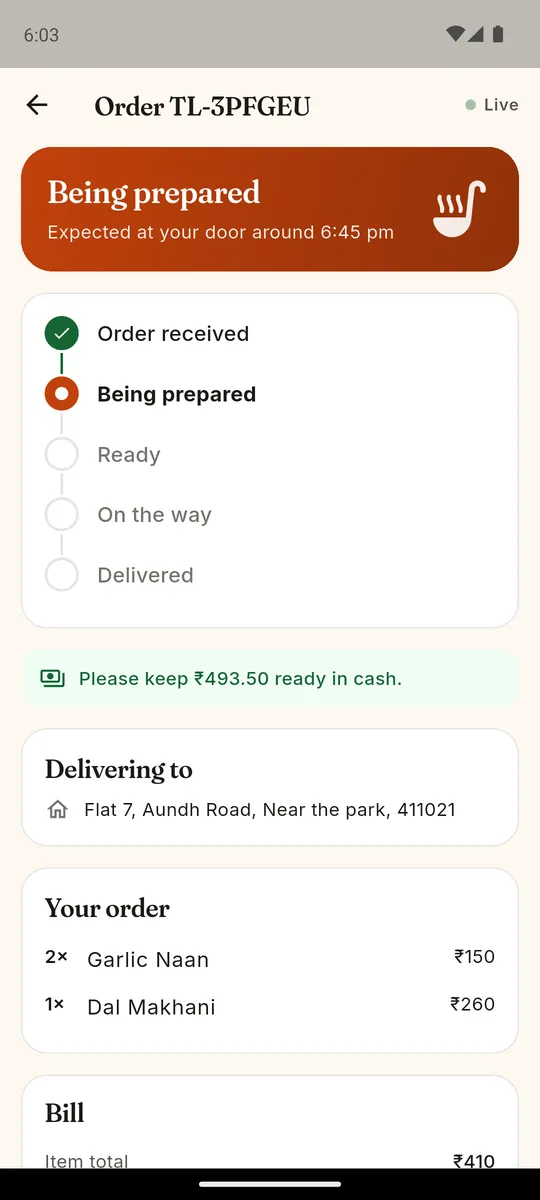
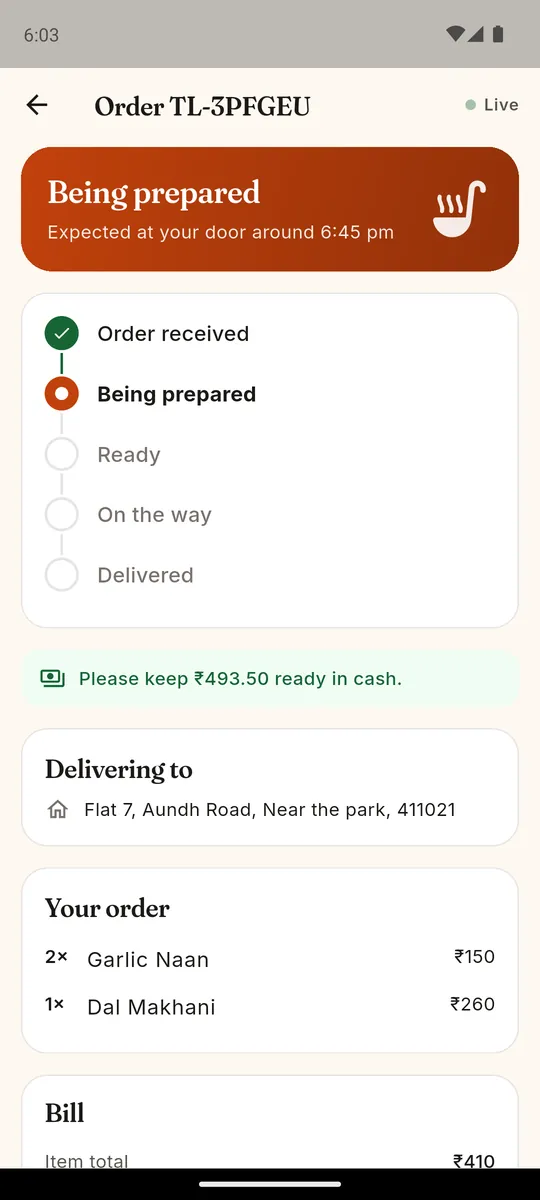
Live order tracking 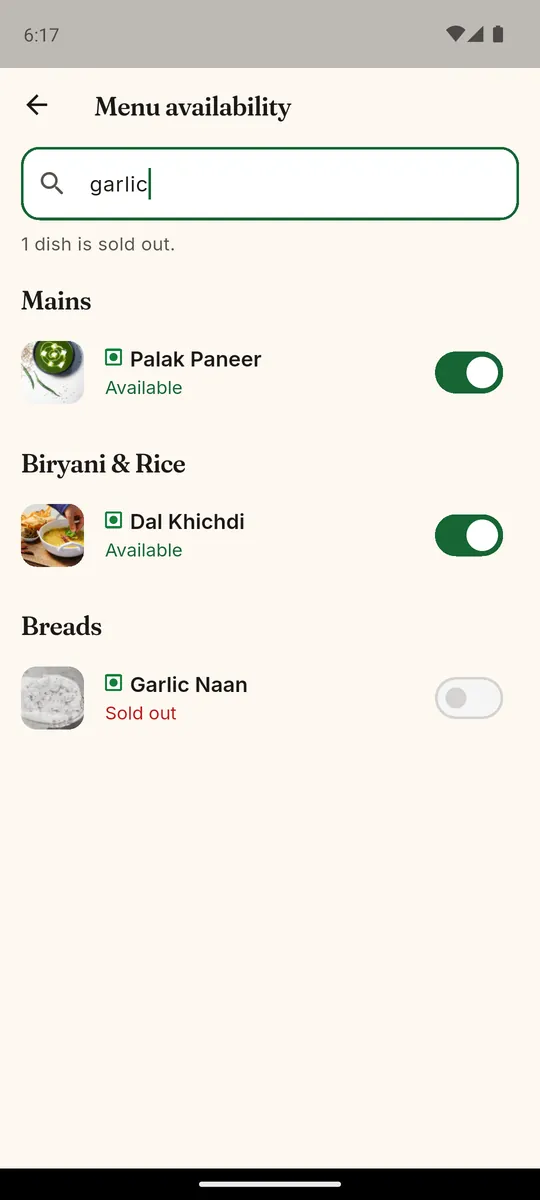
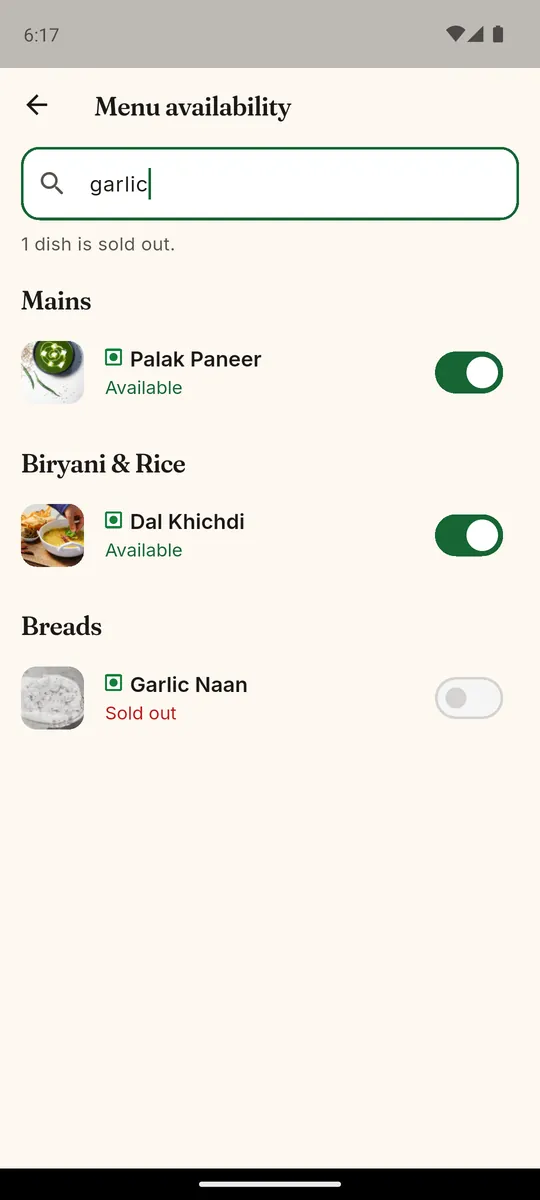
Kitchen mode: mark dishes sold out
The problem
A restaurant app lives on phones with patchy mobile data that go to sleep in a pocket. Live order updates have to survive dropped connections and a backgrounded app without showing a stale status, the bill on the phone must match what the server charges to the paisa, and the same phone may be used by a customer and by kitchen staff.
How it’s built
The app never prices anything itself: the cart re-quotes from the server whenever it changes and shows that bill exactly. Live updates arrive over Server-Sent Events, read line by line from a streamed response; a stream that drops reconnects with back-off and fetches again, because events are not replayed. Streams close when the app goes to the background and reopen with a fresh fetch when it returns. Customer and staff sessions are kept apart in the Keychain or Android Keystore, so one phone can hold both. Every server error becomes one error type carrying the server’s own message and the field at fault.
What it does
- Customer mode: photo menu, sizes and add-ons, sign-in with a one-time code, delivery or pickup with cash
- Live order tracking that recovers from a dropped connection
- Kitchen mode: live board (New, Cooking, Ready, Out), reject with a reason, mark dishes sold out
- Every bill comes from the server’s quote, never from the phone’s own sum
- Widget tests run the whole app against an in-memory API; an integration test places a real order on a device
Learn to build software like this
The free courses teach the same craft — from the basics to a real, running project.