Choosing your mobile technology is one of the few early decisions that is genuinely expensive to reverse. It affects your budget, your timeline, how the app feels to use, and how easily you can hire people to maintain it later.
The good news is that the decision is not as complicated as the internet makes it sound. There are three serious options in 2026, and each has a situation where it is clearly the right answer.
The short version
| Native (Kotlin + Swift) | Flutter | Kotlin Multiplatform | |
|---|---|---|---|
| Codebases | Two (one per platform) | One | One shared core, native UI |
| Relative cost | Highest | Lowest | Medium |
| Performance | Best | Very good | Best (native UI) |
| Platform feel | Perfect | Very close | Perfect |
| New OS features | Immediate | Slight delay | Immediate |
| Best for | Performance-critical, polish-first apps | Startups, MVPs, tight budgets | Native quality without duplicated logic |
Native: Kotlin for Android, Swift for iOS
Native means building two separate apps using each platform's own tools — Kotlin with Jetpack Compose for Android, Swift with SwiftUI for iOS.
Strengths
- The best possible performance. Nothing sits between your code and the platform.
- Perfect platform feel. Every gesture, animation, and system behaviour is exactly what users expect.
- Immediate access to new features. When Apple or Google ships something, you can use it that day.
- Deepest hardware access. Advanced camera control, Bluetooth, AR, background processing.
Trade-offs
- Roughly double the work. Two codebases means two implementations, two sets of bugs, two test cycles.
- Higher ongoing cost. Every future feature is built twice.
- Harder staffing. You need both Android and iOS expertise.
Choose native when performance and polish are the product — heavy graphics or video, complex real-time features, deep hardware integration — or when you are large enough to fund separate platform teams comfortably.
Flutter: one codebase for both platforms
Flutter (Google's framework, using Dart) draws its own UI onto a canvas, so a single codebase produces both Android and iOS apps that look and behave consistently.
Strengths
- Significantly lower cost. One codebase, one team, both app stores.
- Fast development. Hot reload makes iteration genuinely quick, and the widget library is comprehensive.
- Consistent design across platforms. Ideal when you want your brand to look identical everywhere.
- Very good performance. Compiles to native code; more than sufficient for the vast majority of business apps.
Trade-offs
- Not truly native UI. It renders its own components. Excellent, but a discerning iOS user may notice small differences.
- Slight lag on brand-new OS features until Flutter or a plugin catches up.
- Plugin dependency for some device capabilities, with variable quality.
- Larger app size than an equivalent native app.
Choose Flutter when you need both platforms on a realistic budget, you are validating a product, or your app is primarily screens, forms, lists, and API calls — which describes most business and startup apps.
Kotlin Multiplatform: share the logic, keep native UI
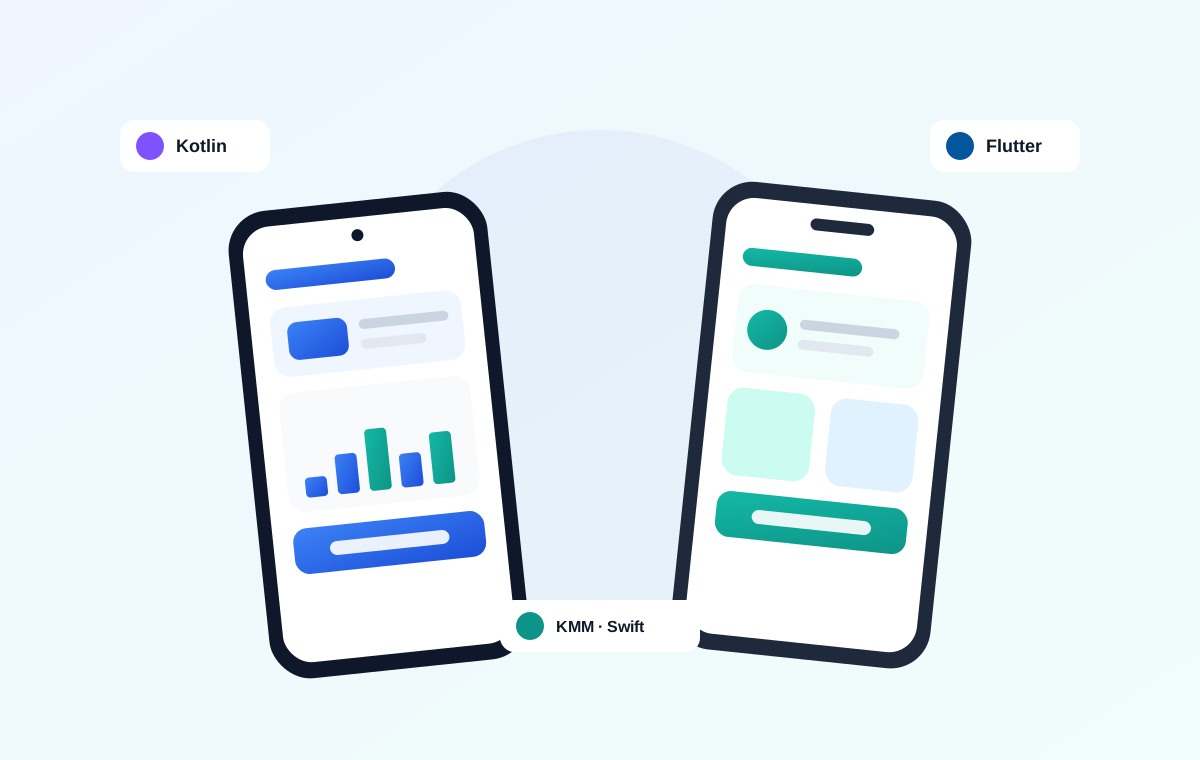
Kotlin Multiplatform (KMP/KMM) takes a different approach. You write your business logic once in Kotlin — networking, data models, validation, offline storage — and share it across platforms, while building the UI natively on each. With Compose Multiplatform you can share UI too, if you want.
Strengths
- Genuinely native UI and performance on each platform.
- No duplicated logic. The rules that matter most — pricing, sync, validation — exist in one tested place.
- Incremental adoption. You can add it to an existing native app module by module, without a rewrite.
- Strong fit for Android-first teams already invested in Kotlin.
Trade-offs
- You still write UI twice (unless you adopt Compose Multiplatform).
- More setup complexity than Flutter.
- Smaller talent pool than either native or Flutter, though it is growing quickly.
Choose KMP when you want native quality and platform feel but refuse to implement the same business logic twice — or when you have an existing native app and want to reduce duplication gradually.
How to actually decide
Answer these four questions honestly.
1. What is your budget? Tight budget, both platforms needed → Flutter. Comfortable budget with quality as the priority → native or KMP.
2. How demanding is your app? Screens, forms, lists, API calls, payments → any option works; pick on cost. Heavy graphics, video processing, real-time hardware → native or KMP.
3. Do you already have an app or a team? Existing native Android app → KMP lets you expand to iOS without starting over. No existing code, small team → Flutter.
4. How quickly do you need to launch? Fastest route to both stores → Flutter. Willing to trade time for maximum polish → native.
Cost in practice
Rough relative effort for the same app, assuming a competent team:
| Approach | Relative build cost | Relative maintenance |
|---|---|---|
| Flutter | 1.0× (baseline) | Lowest — one codebase |
| Kotlin Multiplatform | ~1.3–1.5× | Medium — shared logic, two UIs |
| Full native | ~1.8–2.0× | Highest — everything twice |
The gap narrows for very simple apps and widens for complex ones. Maintenance matters more than most people expect: you will spend more on the app after launch than building it.
What we usually recommend
- Startups and small businesses launching on both platforms: Flutter. It is the pragmatic choice and lets you validate the product before committing more.
- Android-first businesses expanding to iOS: Kotlin Multiplatform. Share what you already have instead of rewriting it.
- Performance-critical or polish-first products with budget: native Kotlin and Swift.
- One platform only, at least initially: go native for that platform. If you only need Android, Kotlin with Jetpack Compose is simply the best option.
There is no universally correct answer — only the right fit for your goals, budget, and timeline. Be sceptical of anyone who recommends a stack before asking about any of those three.
Planning a mobile app? Tell us about your project — we build native, Flutter, and Kotlin Multiplatform apps, so our recommendation is based on your situation rather than the only thing we know. You can also read about mobile app timelines or explore our mobile app development service.
Frequently asked questions
Is Flutter good enough for a production business app?+
Yes. Flutter compiles to native code and performs very well for the vast majority of business apps — screens, forms, lists, API calls, and payments. Native only becomes necessary for performance-critical work such as heavy graphics, video processing, or deep hardware integration.
Is Flutter cheaper than native development?+
Usually yes. A single Flutter codebase produces both Android and iOS apps, so the build typically costs around half of full native development, and maintenance is cheaper because every future feature is built once rather than twice.
What is Kotlin Multiplatform and when should I use it?+
Kotlin Multiplatform lets you write business logic once in Kotlin and share it across platforms while keeping native UI on each. It suits teams that want native quality and platform feel but do not want to implement the same logic twice — especially Android-first teams expanding to iOS.
Which is best for a startup MVP?+
Flutter, in most cases. It is the fastest and most affordable way to launch on both Android and iOS, which lets you validate the product before committing to a larger investment.
Can I convert a Flutter app to native later?+
Not automatically — it would be a rewrite. However, most startups never need to. If you anticipate needing native from the start for performance reasons, it is cheaper to begin there than to migrate later.
Have a project in mind?
Tell us what you need and we'll send a clear, fixed-price quote — usually within one business day.